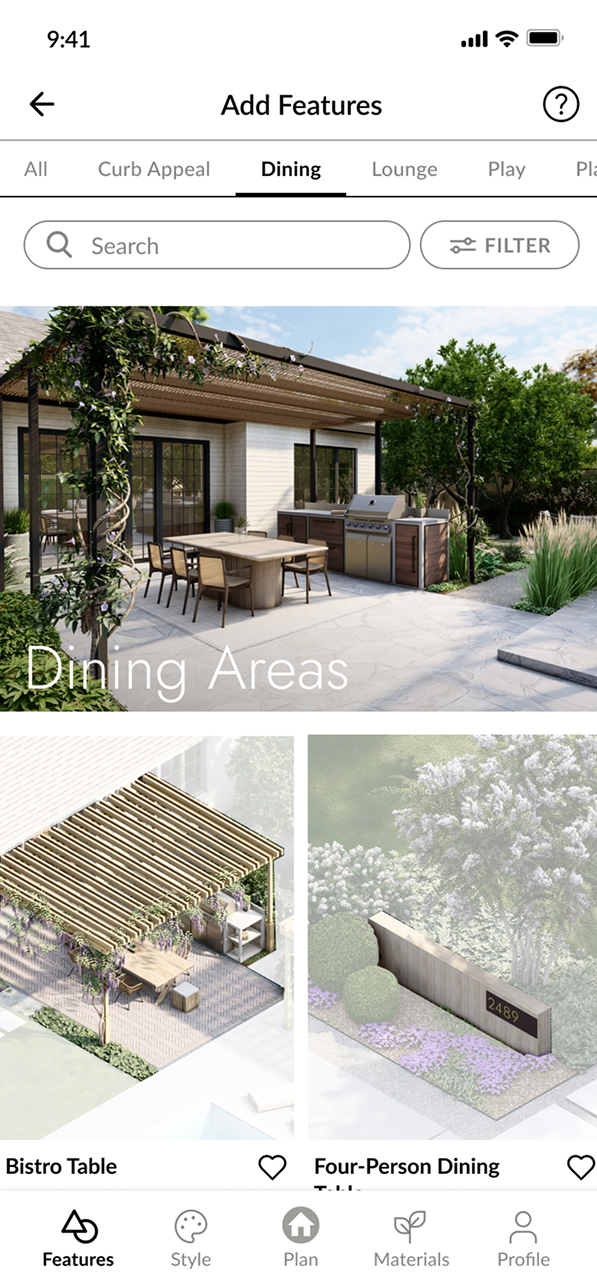
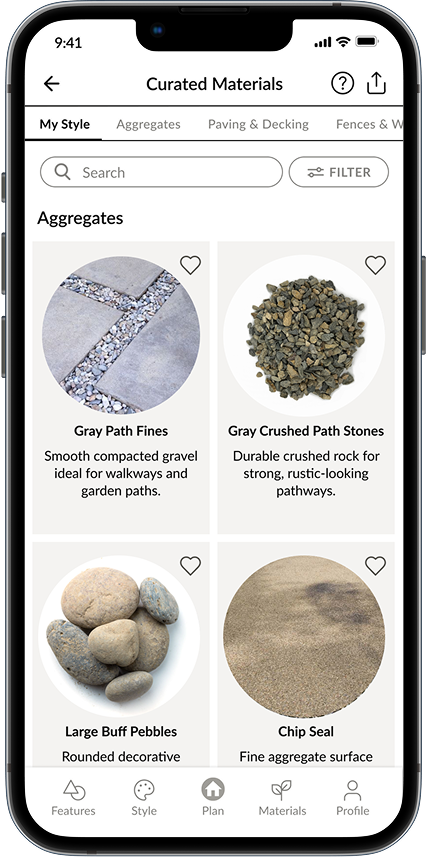
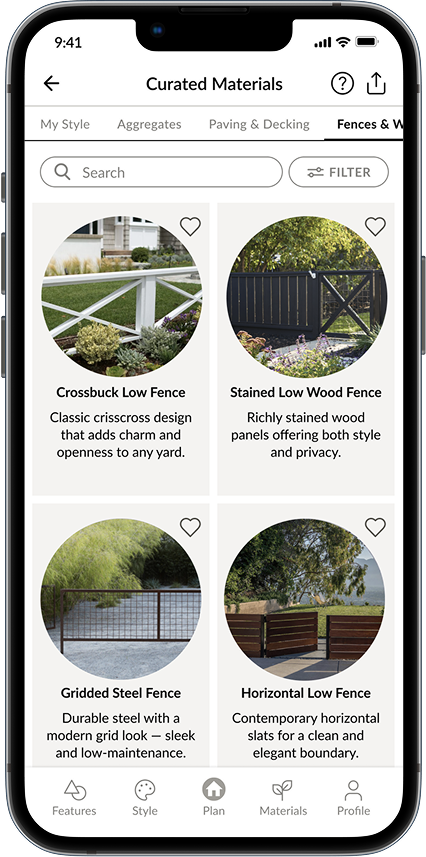
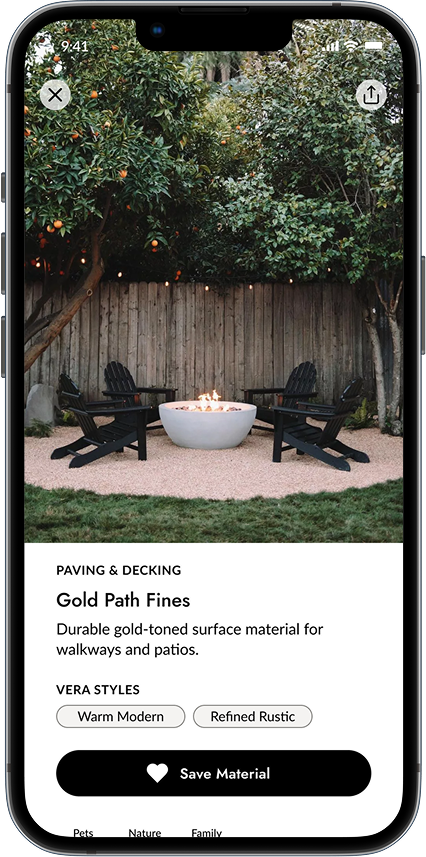
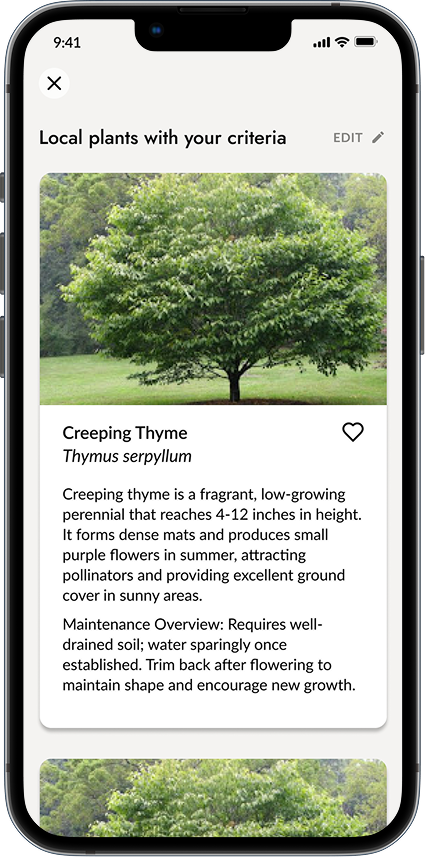
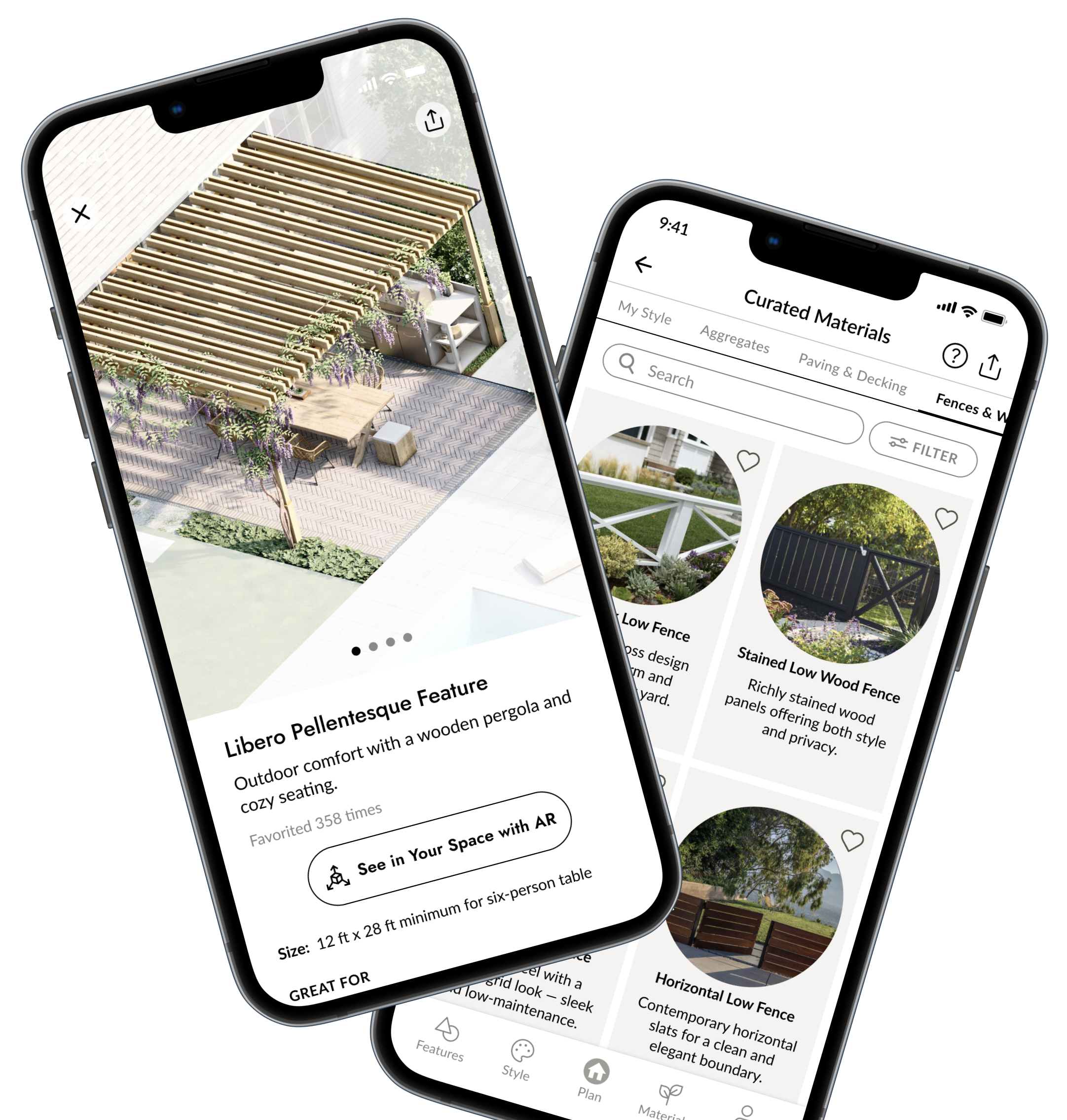
The project began with a time-constrained discovery phase. The client presented us with a ready-made design, and our task was to quickly review it, identify any flow gaps, and structure the functional scope for development.
Within a short timeframe, we analyzed the provided design, suggested and integrated UX improvements, and proposed a suitable technical approach. Throughout the process, we worked closely with the client to gain a deep understanding of the system and tailored solutions to her specific goals. As a result, we delivered complete and detailed functional documentation that served as a solid foundation for the development phase.
Following the discovery and scope assessment, the client realized that her available budget wouldn’t cover the full range of features originally envisioned for the first release.
We carefully analyzed the proposed scope and evaluated the business value of each feature. Together with the client, we defined a clear MVP feature set and separated lower-priority items into a roadmap for future iterations. This allowed us to reduce initial costs while maintaining core product value. The revised plan was approved, the MVP was successfully launched, and the remaining features are scheduled for upcoming releases.
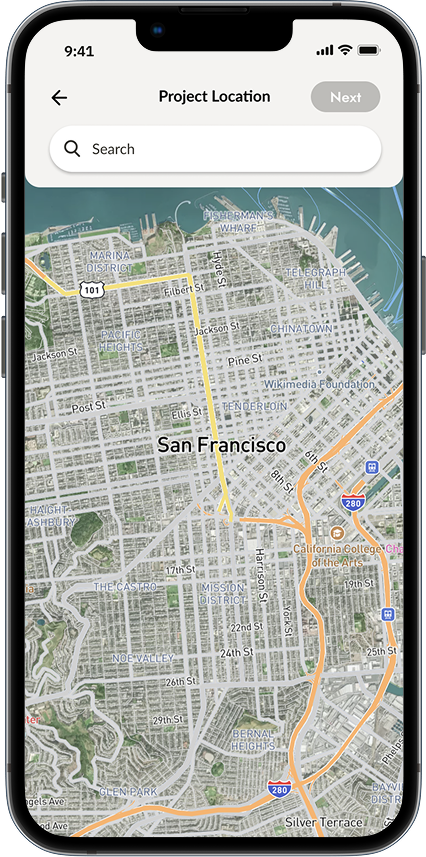
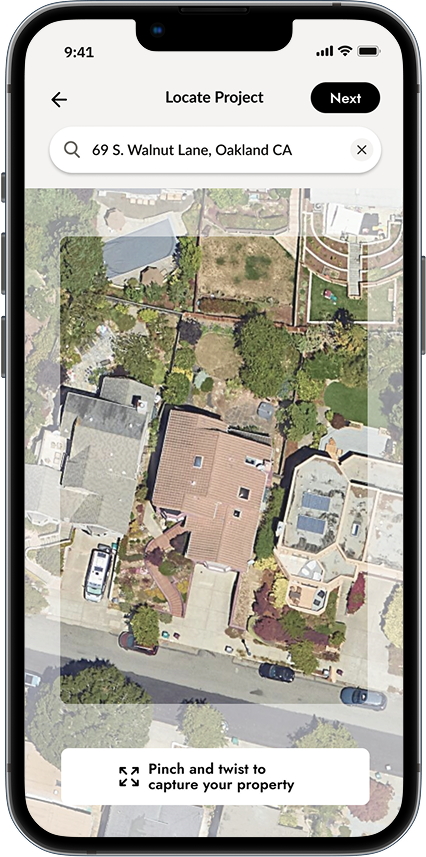
Saving a high-quality map snapshot with accurate proportions and dimensions proved difficult. The system needed to capture the property view precisely without image distortion across different screens.
We identified and applied the optimal aspect ratio for snapshots and used it consistently across all required views. This ensured the correct preservation of proportions while delivering high-quality images suitable for various screen sizes.
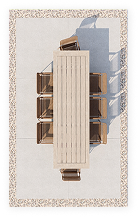
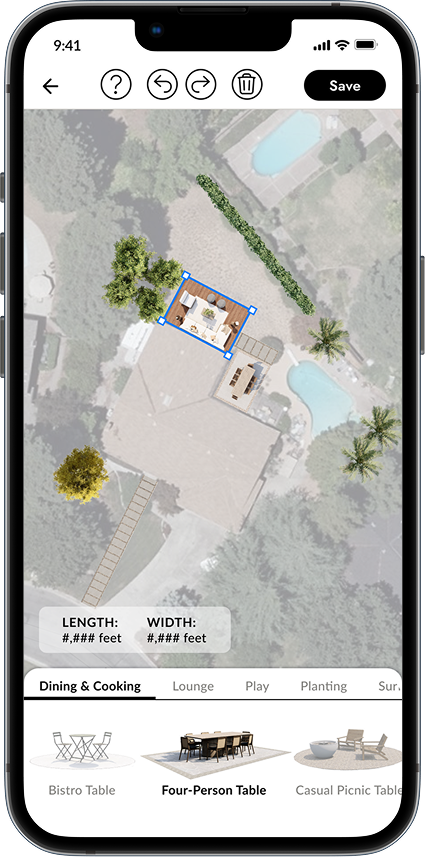
Accurately calculating the real dimensions of objects placed on the plan and displaying them relative to the map required precise scaling logic.
We developed formulas that translate real-world measurements into digital scale and applied them relative to the selected map area. This approach guaranteed the correct visualization of physical object sizes and their proportions within the project plan.
Editing a project involved multiple gestures, and conflicts between them (e.g., zoom, move, rotate) caused usability issues.
We implemented an advanced gesture recognition logic that dynamically enables or disables certain gestures depending on the user’s current action. Additionally, zoom gesture handling was optimized to reduce misinterpretation and improve responsiveness.
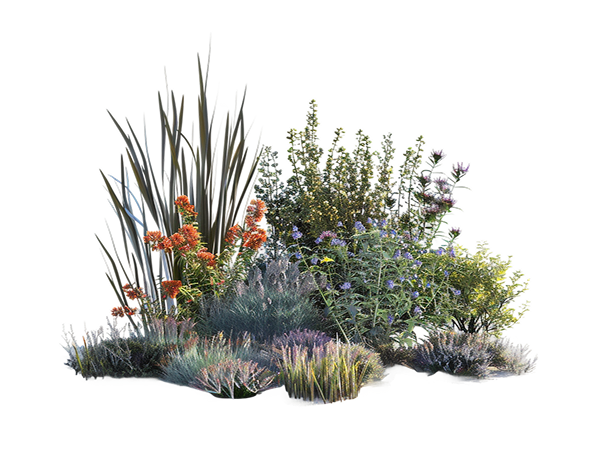
Defining prompts and API options for the AI-driven Plant Matchmaker was challenging, as responses needed to deliver precise and unique plant suggestions based on user preferences, color, and location, while filtering out irrelevant sources.
We refined the AI prompts and API parameters through iterative experimentation until the results consistently matched user needs. A “variation” parameter was introduced to enforce uniqueness in plant color. At the same time, blacklisted sites were excluded via both Custom Search console settings and Google search operators, ensuring relevant, high-quality results.
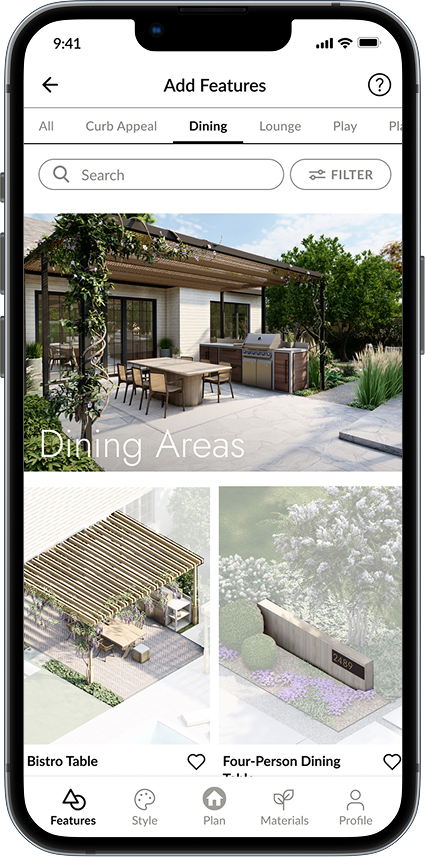
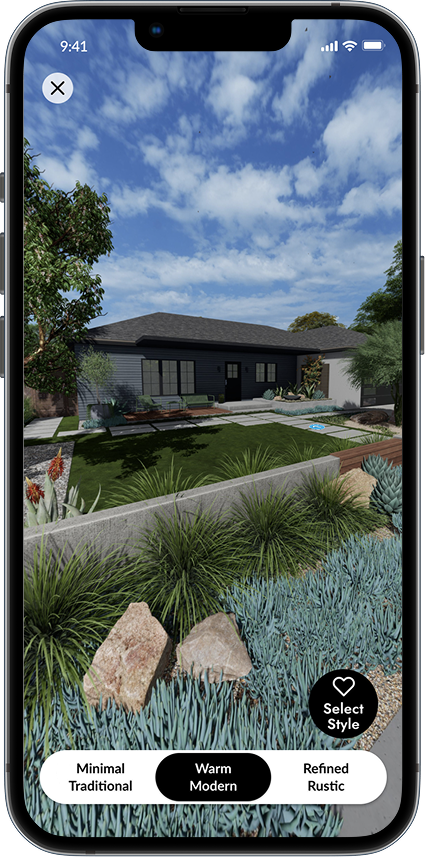
High-quality images of features and materials significantly slowed down loading times, especially when multiple items were requested at once.
We leveraged Contentful’s built-in Images API to crop, scale, and compress images on the fly. By delivering optimized image sizes suited to mobile screens, we reduced loading time without compromising visual quality.