Hire SwiftUI developers
Hire SwiftUI developers who build interfaces, not just screens. At Volpis, we’ve shipped production SwiftUI apps since iOS 13, across healthcare, fleet management, fintech, and more. Our developers pair declarative code, fluid animations, and pixel-level polish with production-grade architecture, delivering apps that feel native on every Apple device, from iPhone to Mac.

Years of Experience
In-house Talents
Projects
our ACHIEVEMENTS
Expert software development team
With about 30 positive reviews on Clutch and 100+ completed projects on Upwork, we’re recognized as a top software partner. Every 5-star review and award is the result of genuine collaboration and shared success.



CLIENTS
Trusted by leading global brands
From startups to Fortune 500 companies, we’ve partnered with organizations across industries to design and deliver high-performing digital products that drive real business value.






Why choose SwiftUI for iOS app development

Faster time to market
- Declarative syntax dramatically reduces boilerplate, so screens read like a spec and ship faster.
- Live Xcode Previews compress the gap between design decision and working UI.
- Reusable components and SwiftUI's layout system mean every new screen starts at 60% complete.

Lower long-term maintenance cost
- State-driven architecture eliminates a whole class of UI synchronization bugs UIKit was famous for.
- No storyboard merge conflicts. SwiftUI is pure code, version-controlled cleanly.
- Apple invests in SwiftUI every WWDC, so your codebase keeps gaining capabilities instead of accumulating debt.

One UI, every Apple device
- The same SwiftUI codebase ships to iPhone, iPad, Mac, Apple Watch, Apple TV, and Vision Pro.
- 70 to 80 percent of UI code shared across platforms, with native touches where each one needs them.
- visionOS-ready from day one, so spatial computing is an extension of your app, not a rewrite.
SWIFTUI APP DEVELOPMENT EXPERTISE
SwiftUI development services we provide

Custom SwiftUI app development
Build polished iOS, iPadOS, and macOS apps in SwiftUI from day one. We handle architecture, declarative state management, and App Store submission, shipping interfaces that feel native and codebases that stay clean as your product grows.

SwiftUI app maintenance and support
Keep your SwiftUI app compatible with every new iOS release, stable in production, and continuously improving. We resolve bugs, refine existing flows, and introduce features that keep your product competitive.

Migrate UIKit to SwiftUI
Move legacy UIKit screens to SwiftUI incrementally, screen by screen. We mix UIViewRepresentable bridges with new SwiftUI views, so your live product stays stable while the UI layer modernizes underneath, no full rewrite required.

SwiftUI design system development
Build a scalable visual foundation that grows with your product. We create custom SwiftUI component libraries, design tokens as environment values, and reusable ViewModifiers that enforce your brand’s visual language across platforms.

Widget and Live Activity development
Extend your app’s presence beyond the screen with WidgetKit and ActivityKit. We build home screen widgets, lock screen complications, and Dynamic Island Live Activities that surface the right information at the right moment, driving users re-engagement.

Cross-device SwiftUI development
Bring your app to every Apple device with one SwiftUI codebase. We share core views across iPhone, iPad, Mac, Apple Watch, and Vision Pro, with platform-specific adaptations so each version feels native, not ported.
SWIFTUI DEVELOPMENT TOOLS
SwiftUI technologies we work with
UI & Core Frameworks
Animation & Motion
Graphics & Visual
Layout & Adaptive Design
Platform Extensions
Maps & Location
Payments & In-App Purchases
Notifications & Engagement
Cloud & Backend
Performance & Optimization
Testing
DevOps & Tooling
HOW TO HIRE SWIFTui DEVELOPERS
How to hire a remote SwiftUI developer from Volpis?
Intro Call
- Share with us your goals, timeline, budget, and technical requirements.
- Choose the best collaboration models for your project needs.
- Learn about our experience, and successful SwiftUI projects.
Proposal
- Review profiles of available SwiftUI developers with required skills and seniority.
- Receive a detailed proposal within 72 hours (with timelines, deliverables, and transparent pricing).
Start Building
- Kick off with a dedicated SwiftUI developer within 1–2 weeks. (We can start faster under request)
SWIFTui APP DEVELOPERS YOU CAN COUNT ON
Why hire SwiftUI developers from Volpis?

Production SwiftUI expertise
We’ve been shipping SwiftUI since iOS 13, through every framework iteration. We know the patterns that scale, the pitfalls that don’t, and the difference between code that demos well and code that runs in production for years.

AI-accelerated SwiftUI development
Our developers use AI throughout the process, not just for autocomplete. We use it to scaffold SwiftUI views, generate previews and test data, catch state management edge cases in review, and speed up snapshot testing. The result is shorter timelines without compromising code quality.

UIKit-SwiftUI interop experience
Our developers are equally comfortable in mixed codebases – bridging UIKit and SwiftUI incrementally, so your app stays shippable throughout the transition and nothing breaks for your current users.

Multi-device SwiftUI experience
We’ve shipped SwiftUI apps that run across iPhone, iPad, Mac, and Apple Watch, with shared core logic and platform-specific touches where they matter. We know which patterns travel well between devices, and where each platform demands its own approach.

Vetted SwiftUI talent
Every developer passes a multi-stage evaluation covering SwiftUI architecture, state management, and animation patterns. You pick the seniority that fits your project, and the bar is the same for everyone on the team.

Process-driven SwiftUI delivery
Every project runs through 30 in-house delivery standards: architecture review, code review, performance profiling with Instruments, accessibility audits, and SwiftUI view-recomputation checks. Quality is engineered into the workflow, not promised at the end.

Risk-Free Trial
Start with 40 free development hours. See the code, the communication, and the process firsthand before you commit to anything.
Security
and IP protection
Showcase
Our recent SwiftUI projects
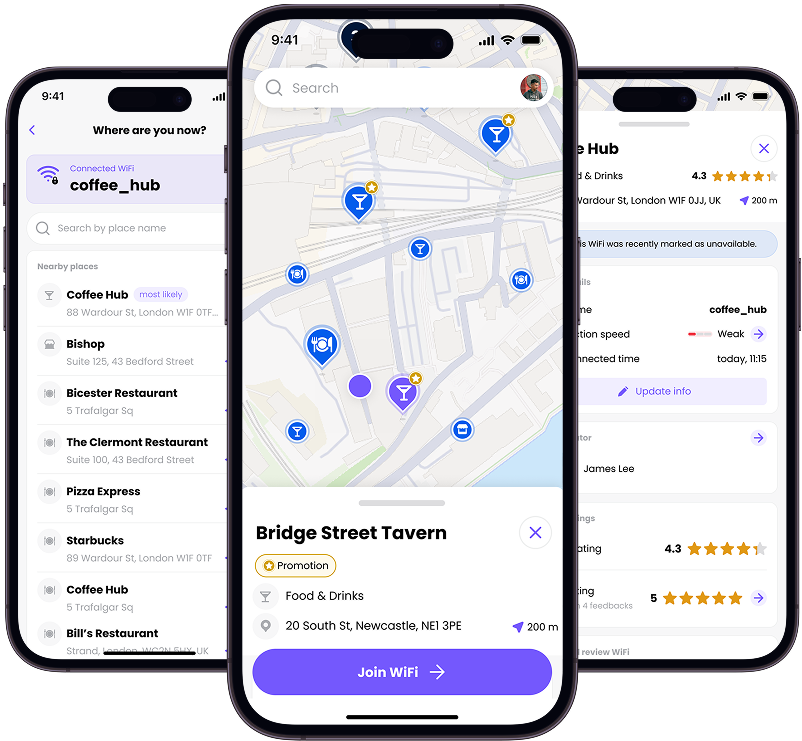
Purple ConneX
CONNECTIVITY
Room Xpand
PROPTECH
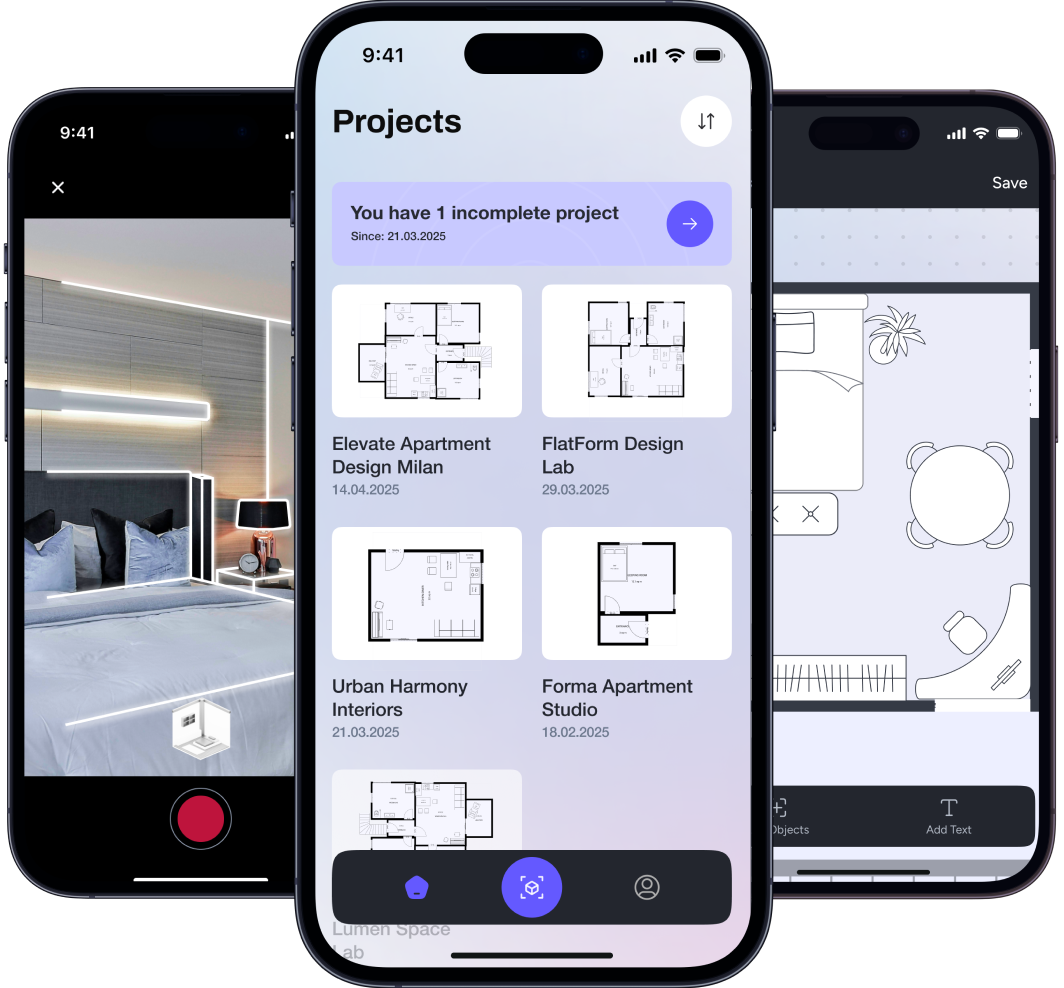
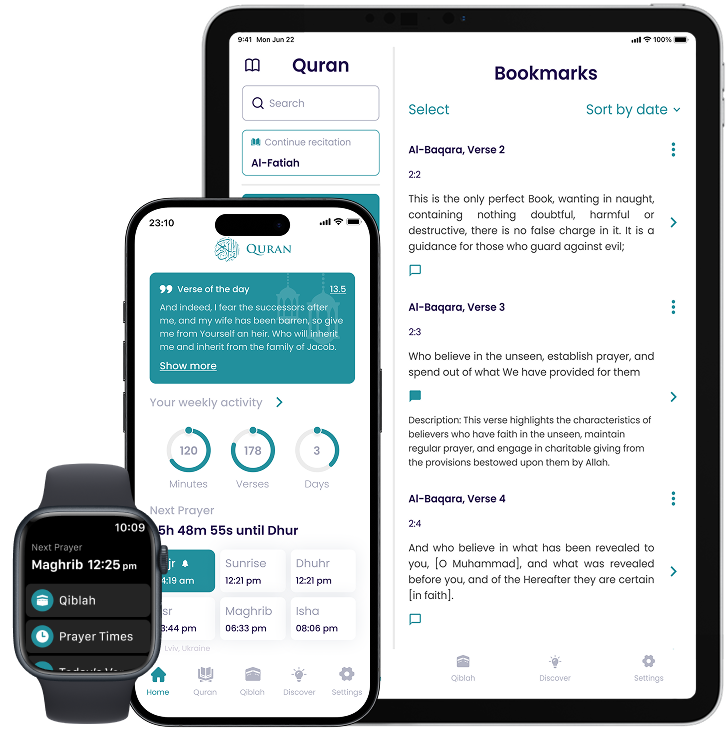
The Holy Quran
RELIGION
Testimonials
Our commitment to excellence is reflected in the glowing reviews from our clients, who consistently praise our dedication to delivering exceptional results. It’s been a great honor to provide app development services to our esteemed customers.
Volpis delivered a solution that worked and could blue dot navigate around an indoor environment. The app’s features worked, and users could quickly add WiFi networks. The team was timely, responsive, and trustworthy. They committed to the timeline and budget.
Gavin Wheeldon, CEO, Purple AI
We have had an old source code for both iOS and Android that needed to be updated to support the newest features. The source code had many issues, and was written in a quite convoluted way, so this was quite a challenging job. The new features were well received by the users, and I have received lots of great feedback. Some of the initial issues, which are expected in a new major update, were fixed without any bigger problems and rectified immediately when they were discovered.
Talib Omer, Peace Through Understanding
We provided design and detailed technical task at the beginning, which has been modified several times over the development process. The concept of the app was changed multiple times during the development. The technologies used were nodeJS for backend, Kotlin for android app and Swift for IOS app. I was pleasantly surprised of their CTO communication skills and ability to understand and listen to the client (in this case – me, the product owner) by both their management and backend developers.
Yegor Volnyy, Product Owner, Software Dev Company
Got an iOS project that needs SwiftUI expertise?
Must-read before you hire SwiftUI developers


Questions & Answers
FAQ
What is SwiftUI used for?
Apple SwiftUI is a modern UI framework for building native apps across iOS, iPadOS, macOS, watchOS, and tvOS. Introduced in 2019, it replaced UIKit’s imperative approach with declarative syntax – developers describe what the UI should look like, and SwiftUI handles the rest. For businesses, that translates to faster development, a single codebase that runs across Apple platforms, and a UI that stays aligned with Apple’s latest design standards without constant manual updates.
Is SwiftUI ready for production?
Yes, and for most new projects targeting iOS 16+, it’s the faster and more maintainable path over UIKit. SwiftUI has matured significantly since 2019 and covers the vast majority of real-world UI requirements without needing to fall back on UIKit.
The main exceptions: apps supporting iOS 13–14, or those requiring highly custom UI components where UIKit interop still makes more sense.
What to choose for iOS app development – Swift or SwiftUI?
“Swift vs SwiftUI” is not the right question. Swift is the language, SwiftUI is the UI framework – you need both. The question buyers usually mean to ask is SwiftUI vs UIKit. If you’re starting a new iOS project today and targeting iOS 15+, SwiftUI is the default recommendation: less boilerplate, declarative layout, and a single codebase that extends naturally to iPad, Mac, and Apple Watch. UIKit remains the right call for apps with deeply custom UI or older iOS support requirements.
What is the best architecture for SwiftUI?
The most commonly used architectures for SwiftUI are MVVM (Model-View-ViewModel), TCA (The Composable Architecture), and MV (Model-View). MVVM is the most widely adopted for its simplicity and natural fit with SwiftUI’s data binding. The right choice depends on your app’s complexity, team size, and scalability needs – a good SwiftUI developer will recommend the best fit for your project.
What experience do your SwiftUI developers have?
Our developers have been building with SwiftUI since its 2019 launch, early enough to have worked through the rough edges and developed real production patterns. We’ve shipped SwiftUI apps for startups, scale-ups, and enterprise clients across healthcare, fleet management, fintech, and more, including UIKit migrations, multi-platform builds, and Apple Watch extensions.
How much does it cost to hire SwiftUI developer?
Rates start at $30–$40 per hour. The right engagement model depends on your project – fixed price works well for defined scopes, while a dedicated developer or team model makes more sense for ongoing development or growing products.
How long does it take to hire a SwiftUI developer from Volpis?
Typically 1–2 weeks from your first conversation to having a developer active on your project. That includes scoping the requirements, matching the right developer to your stack and domain, and aligning on the engagement model. For urgent timelines, we can move faster.
How to hire SwiftUI developer from Volpis?
Send us a brief overview of your project via the contact form or at sales@volpis.com. We’ll set up a free intro call to understand your goals, iOS version targets, and whether you need a greenfield build or a UIKit migration. From there, we’ll match you with the right developer and propose the engagement model that fits.
Contact us to discuss your project
For project inquiries only:
sales@volpis.com
For other questions:
info@volpis.com